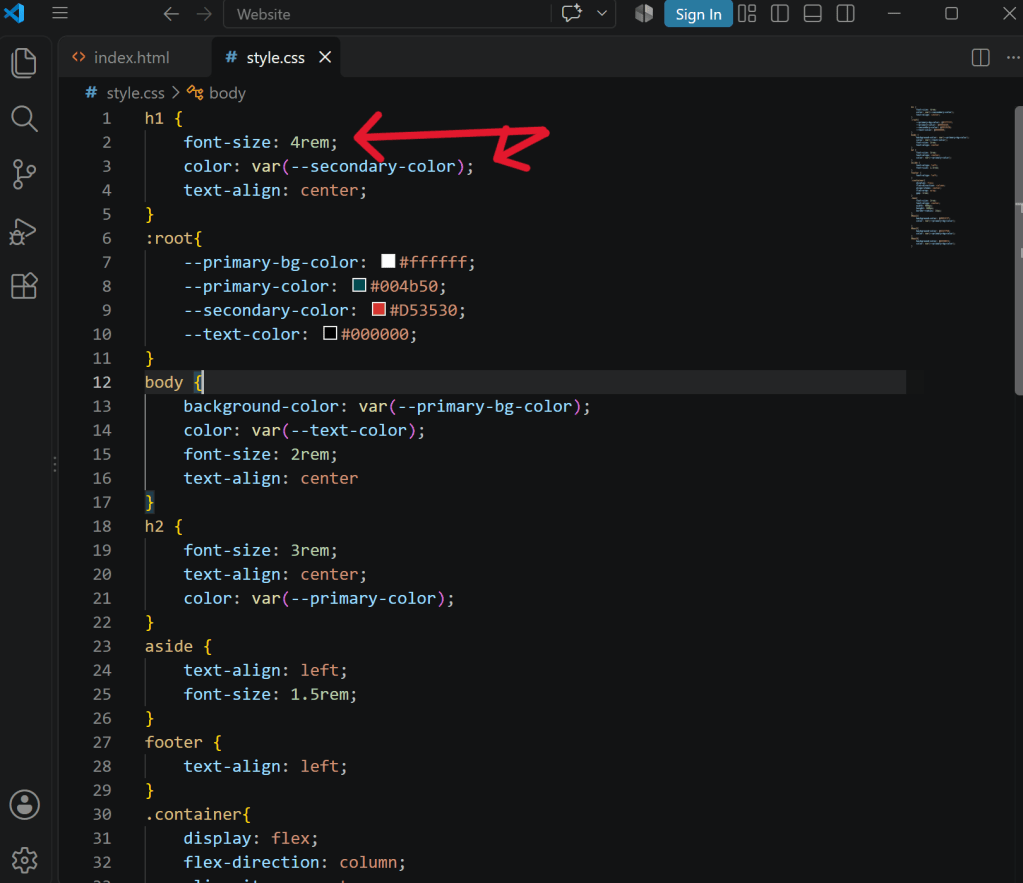
Today I am discussing my experience with integrating CSS with my HTML website. My website is a quick overview resource for 8th grade math teachers. It is focused on the concept of rigid transformations which is the foundation for the first two units for 8th grade math in Arkansas. When integrating the CSS into the website build, I tried to keep the design simple and accessible. I did not want the design to be too flashy or complicated. I tried to be intentional with colors, font size, and spacing to draw attention to the information teachers would need without the design aspects feeling overwhelming. The goal of the website is to be functional and simple so teachers can quickly get the basics without having to comb through walls of text. I changed font sizes using rem units and colors using custom properties so headers stood out and sections were easier to locate. I used a flex container for the explanation of the three different types of rigid transformations. This is the most important part of the website and teachers need to easily locate and decipher between the three types. The flex container allowed me to align the elements, so they look polished and have different colored boxes for each type of transformation. Using the flex container I was able to put “align-items: center;” and “flex-direction: column;” to keep all the sections neatly aligned into the center column of the page.
These last two weeks have taught me that patience and perseverance are needed when coding. The biggest obstacle for me was just where to start with CSS. I spent time practicing with the Flexbox Froggy game, reading CSS starter guides, and watching beginner CSS videos on YouTube before I even attempted to start. This allowed me to build an understanding of how the code should look and the basic items I could add to the code. Once I started building my CSS document, I spent a couple hours and could not get any of it to work. I watched multiple troubleshooting videos and read guides on how to add external CSS to an HTML document, but no matter what I did nothing helped. I finally took a break and came back and looked at it with fresh eyes and realized I had not put a “;” after any of my items. It made me realize that every detail matters in coding and it is a slow and steady process. I was much more intentional about every single key stroke I was adding to each line after that.
I really appreciated the use of WebAIM contrast checker in this assignment. None of the original colors I chose passed the contrast checker, but I was able to use the slider function on their website to choose a different shade of the colors I had chosen. This allowed me to increase accessibility on my website without having to spend time searching for new color schemes.
These last two weeks have taught me a new skill that I honestly wasn’t sure I was capable of. Everything that I learned was new from the program I was using, to the coding language, to the way the design of a website is a separate document from the structure. I was pushed out of my comfort zone and learned that with the right tools and patience, I can create a simple website. I feel more confident moving forward that I will be successful in learning coding.


Leave a Reply